
Processing tens of thousands of images directly on a live shared or VPS environment is often a recipe for disaster. Let’s explore how pulling the process locally can save hours and prevent unexpected downtime.
The Problem with Server-Side Bulk Optimization
When you trigger a bulk optimization via a standard WordPress plugin, the PHP workers and the server’s CPU take the hit. For small blogs (under 1GB of media), this is perfectly fine. But when we start looking at 50GB+ libraries, the problems compound:
- Timeout Errors (502/504): Scripts hit their `max_execution_time` and fail mid-batch.
- Out of Memory (OOM): Resizing and converting large source images (like 6000×4000 pixels) requires substantial RAM.
- Server Degradation: During the 48+ hours it takes to process 50GB, the actual website visitors experience slow load times or Database connection errors.
“If you are using 100% of your CPU to crunch images, you have 0% left to serve your customers.”
The Local-First Approach
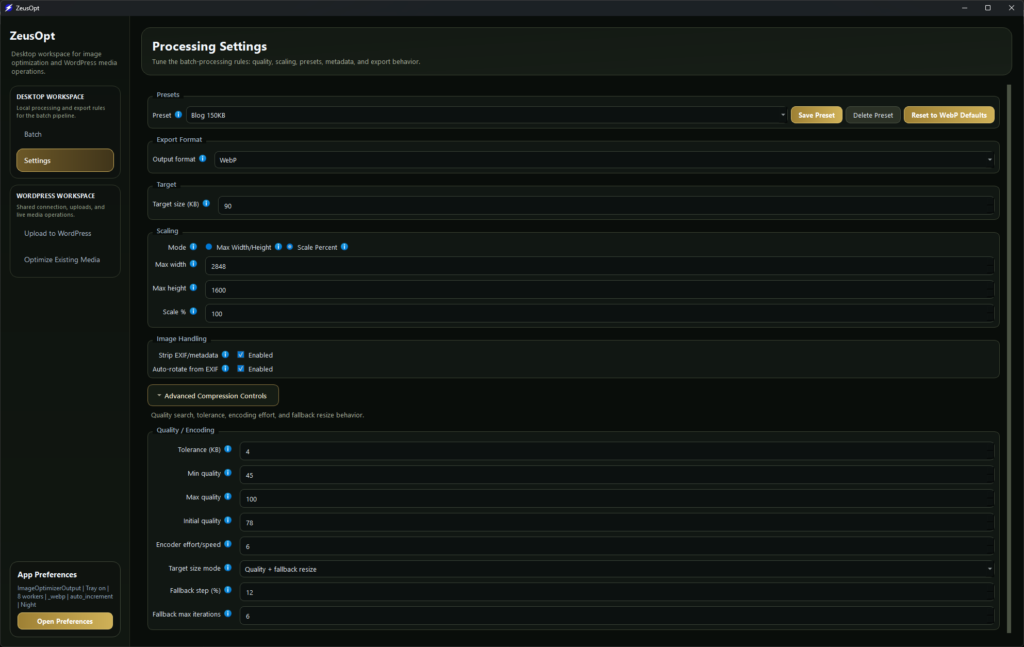
With ZeusOpt, we shift the heavy lifting to the machine that actually has the power: your desktop computer. Modern laptops have incredible multi-core processors (Apple M-series, Intel Core, AMD Ryzen) that sit idle most of the day. ZeusOpt is built on Rust precisely to harness these cores natively.
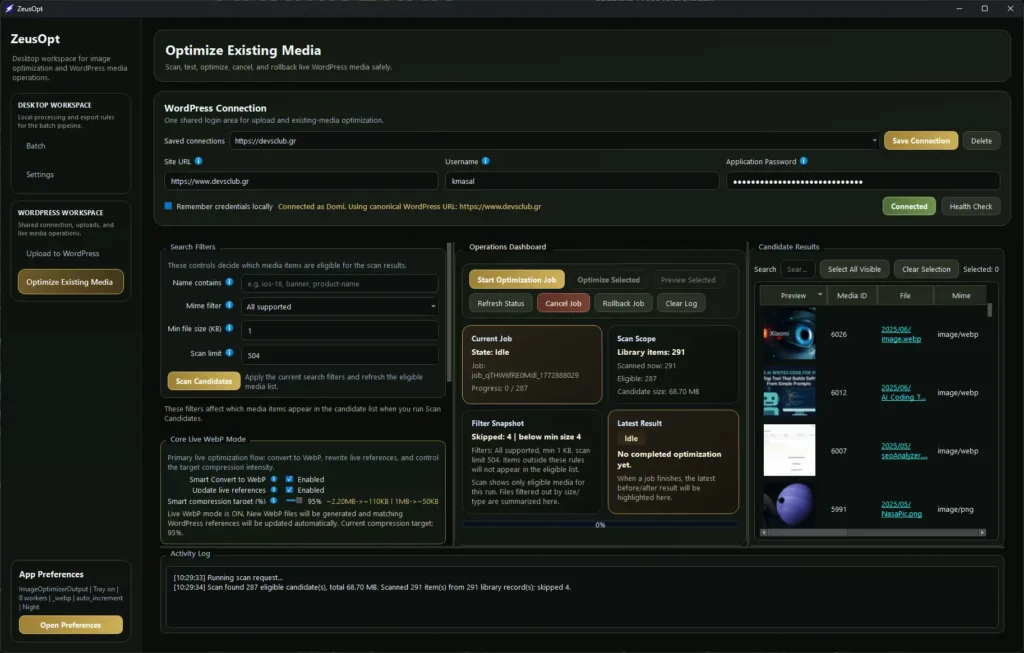
Step 1: The Download Phase
Instead of optimizing live, the first step is to pull a structured mirror of the `/wp-content/uploads/` directory. You can do this via SFTP, SSH, or through the ZeusOpt Bridge. The bridge securely streams the files locally without zipping (which also saves server CPU).
Step 2: Processing 10x Faster
Once local, the desktop engine analyzes every file. Using parallel threads, ZeusOpt processes batches of images concurrently. What takes a standard server 48 hours, a modern desktop can chew through in 1 to 2 hours.
Step 3: Safe Sync back to WordPress
The most critical part isn’t the compression—it’s the references. ZeusOpt connects back to WordPress via Application Passwords. It uploads the new optimized files and safely rewrites the database queries to reflect the new paths or WebP extensions, complete with dry-run capabilities and instant rollbacks.
Conclusion
Heavy lifting belongs on heavy hardware. By decoupling the processing from the serving, we keep sites fast, stable, and secure during the entire optimization lifecycle.